Menu bugged: what to try
One of the most-searched problems with this game, and one of the least documented. Here is what is actually established, in the order worth trying it.
Last verified
· Game build 0.184.0.196275
Is this your problem?
Reports cluster around menus not responding to input as expected, screens becoming hard to navigate cleanly, and selections not landing where you clicked. If your specific symptom is a list drifting or jumping upward on its own, that is the separate menu scrolling issue — different symptom, likely different cause.
What to try, in order
1. Verify integrity of game files
Steam → right-click the game → Properties → Installed Files → Verify integrity of game files. Free, rules out a partial or corrupted download, takes a couple of minutes.
2. Disable every mod and test clean
If you run mods, turn them all off before anything else. UI mods in particular conflict with each other and with the base UI. If a clean build behaves, re-enable one at a time.
3. If you keep mods, load UI mods first
Community guidance for this game is to use a mod manager pointed at the game's /Mods folder,
and to place UI-related mods at the front of the load order — this is specifically reported
to avoid menu flicker and UI conflicts.
4. Reset to default settings
Particularly display and scaling options. Non-native resolutions, scaling overrides and ultra-widescreen setups have all produced UI problems in this game before — the Prologue shipped an ultra-widescreen hotfix.
5. Update your GPU drivers
Standard, but genuinely relevant on a build days old: driver-side UI rendering issues are common on new releases.
6. Report it properly
The Steam discussion board is where the developers respond. A useful report contains: your build number
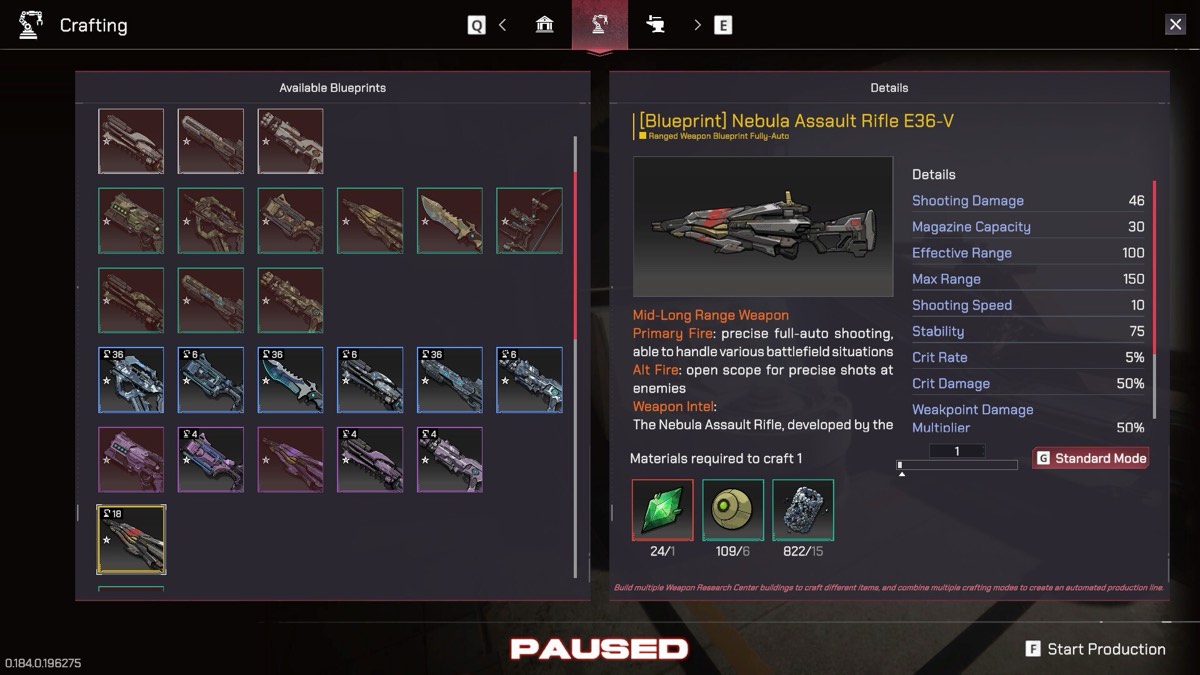
(shown in the corner of in-game screens — e.g. 0.184.0.196275), your resolution and display
setup, whether you run mods, and the exact screen where it happens.
Frequently asked
Why is the Pax Autocratica menu bugged?
No single official cause has been published. The menu layer is unusually dense — the game exposes a very large amount of data through nested screens — and it is an active complaint on the discussion board in Early Access.
Does verifying game files fix the menu bug?
It is the correct first step because it is free and rules out a corrupt install. It will not help if the cause is a UI mod or a genuine bug in the build.
Can mods cause menu problems?
Yes. UI mods conflict readily. If you run any, load UI mods first in your mod manager’s order and test with all mods disabled before reporting anything.
Related
- Menus scrolling upward — The other menu problem
- All known issues — Everything currently tracked
- Crashes — If the menu problem ends in a crash